AI Image Enhancer to Improve Image Quality
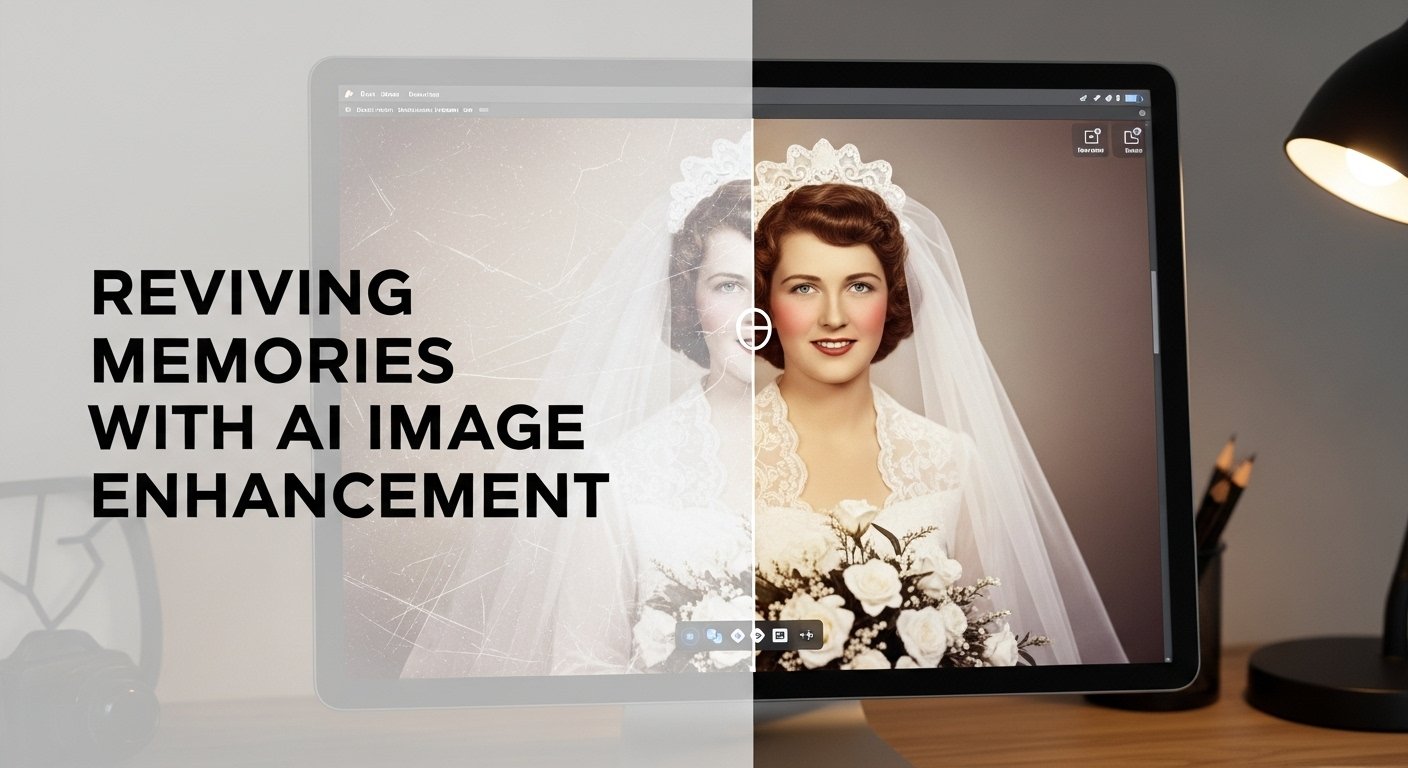
I’ll never forget the day I resurrected my grandmother’s 1957 wedding photo. It was faded, scratched, and soft from decades in an old album. The emotional value was immense, but technically it was a mess. After trying traditional editing techniques for hours with disappointing results, I turned to an AI image enhancer out of desperation.
The transformation was jaw-dropping. Fine details in the lace of her dress appeared, scratches vanished, and the colors came back to life, all while preserving the authentic feel of the moment. That single experience convinced me these tools weren’t just gimmicks. They’ve since become a core part of my workflow as a photographer, content creator, and occasional retoucher.
After two years of daily use across professional, personal, and client projects, here’s what I’ve learned about using an AI image enhancer to improve image quality effectively.
Where AI Image Enhancement Shines Brightest
Old Photo Restoration
This is the killer application. Family archives, historical images, and damaged prints respond incredibly well. I’ve restored hundreds of photos from the 1940s–1980s that were previously considered unsalvageable. The technology excels at reconstructing fine details like fabric textures, facial features, and subtle skin tones that traditional sharpening destroys.
Low-Light and Blurry Event Photography
Wedding photographers, event shooters, and journalists benefit enormously. I recently shot an indoor corporate event with terrible lighting. What would have been a series of soft, noisy images became crisp, clean, and usable. The AI removed noise without destroying texture, something that used to require hours of manual masking and layering.
Upscaling for Print and Large Displays
When clients need images blown up for billboards, trade show banners, or gallery prints, AI upscalers consistently outperform traditional interpolation. A 4-megapixel smartphone photo can become a sharp 8K image with believable detail that doesn’t look artificially generated.
E-commerce Product Photography
This is where I see the biggest commercial impact. For small businesses shooting products on white backgrounds, an AI image enhancer can fix lighting inconsistencies, sharpen details, and remove minor imperfections without making the product look fake. Conversion rates improve noticeably when product images look professionally polished.
The Limitations Nobody Talks About
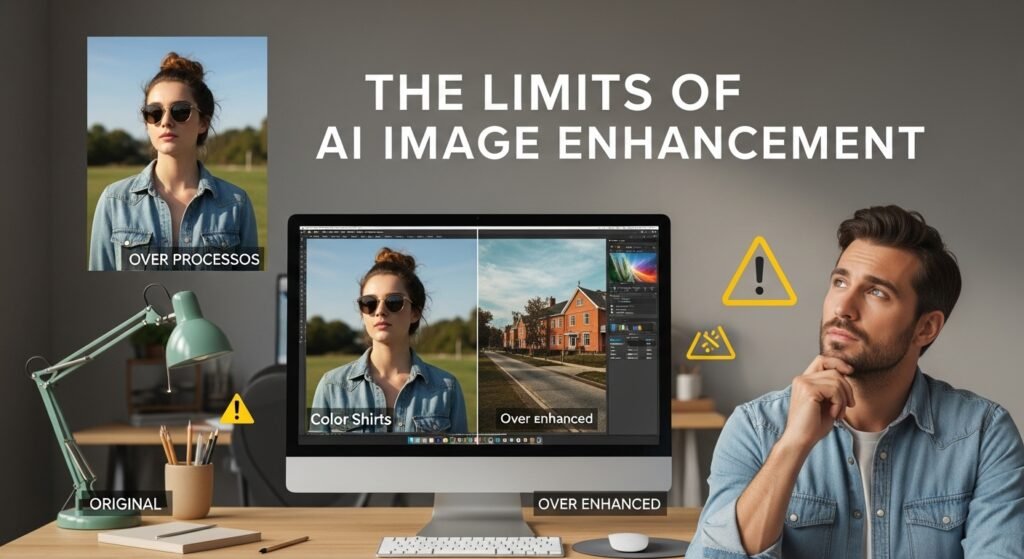
Not everything improves perfectly. I’ve learned to be selective:
- The Plastic Look: Aggressive enhancement often creates that over-processed, waxy appearance. Skin can look airbrushed, textures unnaturally smooth. I’ve had to dial back settings repeatedly to avoid this.
- Color Accuracy Issues: AI sometimes shifts colors in unpredictable ways, especially with vintage film photos or specific skin tones. I always compare the enhanced version side-by-side with the original.
- Creative Photography: Artistic images with intentional blur, grain, or mood often lose their character when improved. Street photography, fine art, and moody portraits frequently look worse after heavy enhancement.
- Over-Reliance: I’ve seen young photographers become dependent on these tools, shooting carelessly because they know they can fix it in post. This leads to lazy habits and weaker fundamental skills.
My Proven Workflow for Best Results
After thousands of images, here’s what delivers consistent quality:
- Start Conservative: Begin with mild settings rather than maxing everything out
- Process Selectively: Enhance only the areas that need it, rather than the entire image
- Multiple Passes: Do noise reduction first, then sharpening, then color correction in separate steps
- Always Compare: Toggle between original and enhanced versions at 100% zoom
- Final Manual Touches: I still adjust curves, selective dodging/burning, and local contrast manually for the best results
Ethical Considerations in 2025
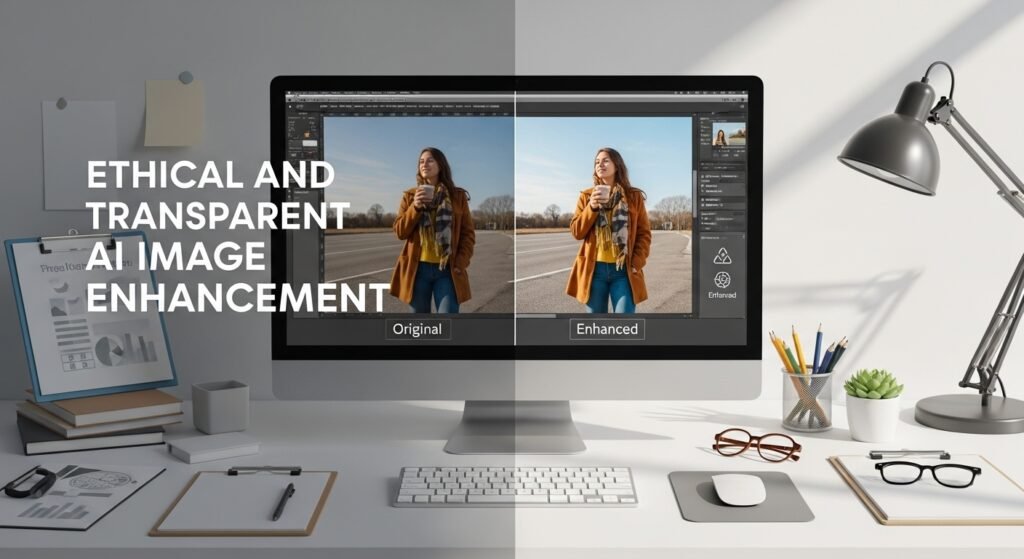
This technology raises serious questions. We’ve entered an era where distinguishing enhanced images from authentic ones is increasingly difficult. For editorial, journalistic, and scientific work, heavy AI enhancement should be disclosed. I refuse to use these tools for news photography or before/after transformations that could mislead viewers.
For commercial work, transparency with clients is essential. I always show them both the original and enhanced versions and explain what was changed.
When to Skip AI Enhancement Entirely
Some images are better left alone:
- Historical documents and archival photos where authenticity matters
- Evidence photography
- Fine art photography with deliberate aesthetic choices
- Images where the imperfections tell an important story
The goal isn’t always to make something perfect. Sometimes character, authenticity, and honesty matter more than technical sharpness.
FAQs
1. Can AI image enhancers fix extremely blurry photos?
Only to a point. Moderate motion blur or slight softness responds well. Severe blur usually produces poor results.
2. Do they work on smartphone photos?
Surprisingly well. Modern AI image enhancers are optimized for phone camera limitations and often produce dramatic improvements.
3. Will enhanced images look fake?
They can if you push settings too far. Keep strength at 40-70% and focus on specific areas rather than global enhancement.
4. Are the results good enough for professional print?
Yes, for most commercial work. I’ve printed enhanced images up to 40×60 inches that look excellent.
5. Can these tools restore completely damaged photos?
They excel at scratches, fading, and color loss, but cannot recreate missing areas like torn-out faces convincingly.


Post Comment