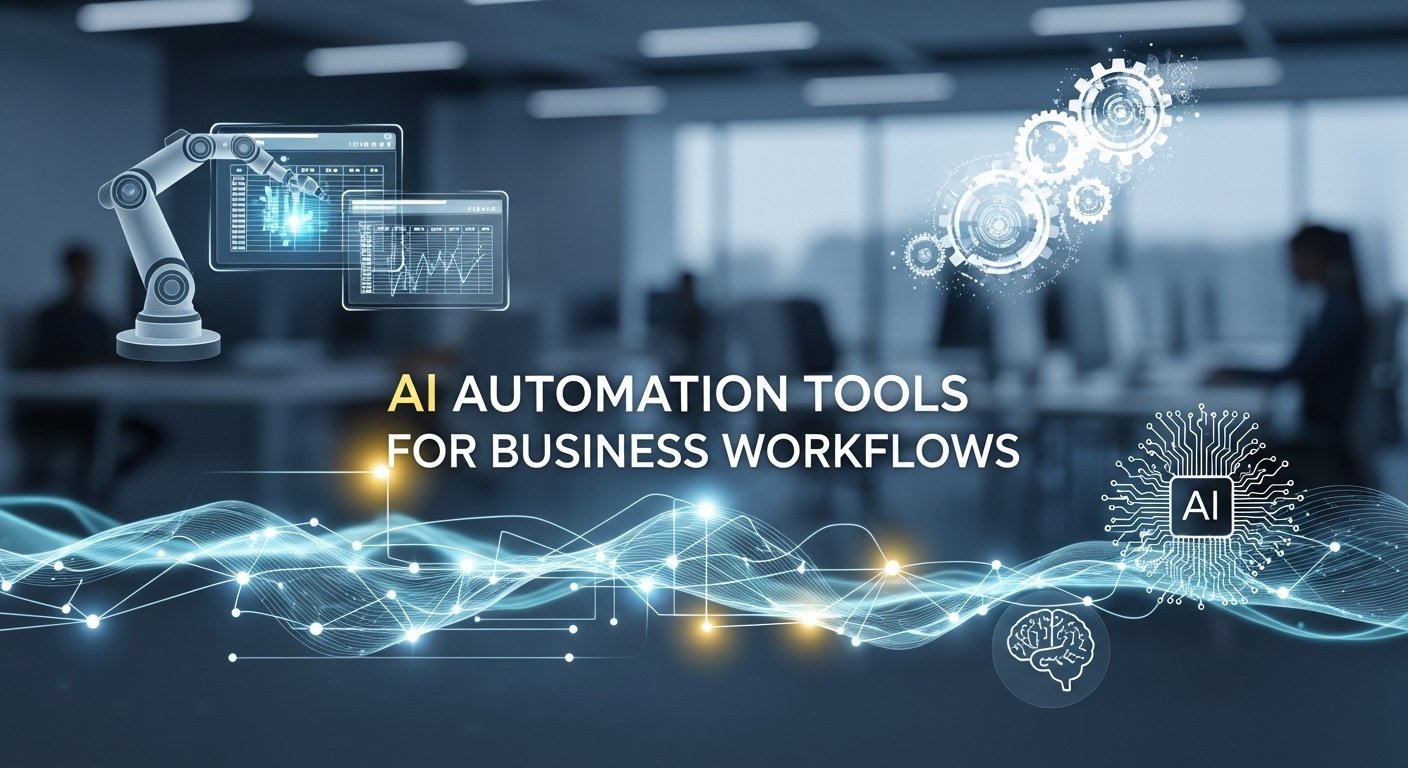
AI Automation Tools for Business Workflows
I’ll never forget the moment I realized our business was drowning in its own processes. It was a Tuesday afternoon, and I was staring at a spreadsheet that tracked the 37 individual steps required to onboard a new client. Each step involved a different person, a different piece of software, and a high likelihood of something getting lost in the shuffle. We weren’t scaling; we were just adding more complexity. That was the day I became obsessed with workflow automation, not as a buzzword, but as a fundamental survival strategy.
What I’ve learned since then, through trial and error across multiple companies, is that the most powerful automation isn’t about replacing people. It’s about eliminating the invisible friction that grinds down morale, wastes capital, and stifles innovation. We’re past the era of simple email autoresponders. Today’s automation tools act as a central nervous system for your business, connecting disparate parts and making the whole organism move with purpose.
From Chaos to Cohesion: What Modern Workflow Automation Actually Does
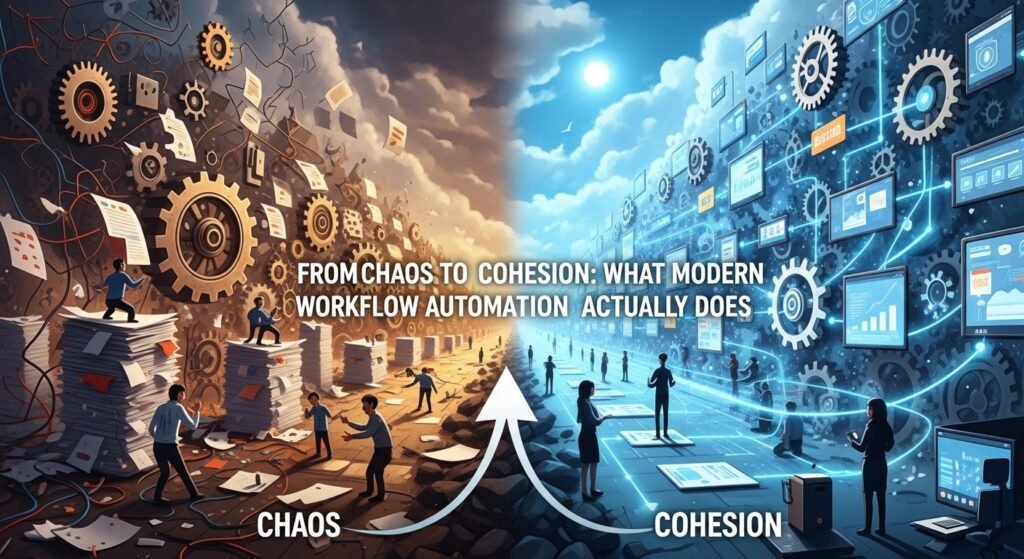
Let’s get concrete. When I talk about automating business workflows, I’m referring to the systematic use of software to handle the repetitive, rule-based tasks that currently live in the cracks between your core applications. Think of it as building digital connective tissue. A classic example is the lead-to-cash process. In a typical small business, a new lead might come in through a web form, triggering an email to a sales rep. Now, imagine an automated workflow.
The moment the web form is submitted, the lead is instantly created in the CRM, the rep gets a prioritized notification, and a sequence of personalized follow-up emails is queued. If the lead becomes a qualified opportunity, the system can auto-generate a contract from a pre-approved template, send it for e-signature, and upon signing, automatically create the customer account and the first invoice, all while logging every action and notifying the account manager.
The Real-World Impact: Beyond Time Savings
The obvious benefit is time. In one consulting project for a marketing agency, we automated their client reporting. What used to be a 12-hour monthly slog for a project manager pulling data from Google Analytics, Meta Ads, and five other sources into a slide deck became a fully automated PDF that landed in the client’s inbox every 4th of the month at 9 AM. We gave that manager back a day and a half of their life each month. But the less obvious, more profound impacts are on accuracy and insight.
Automated workflows don’t get tired and transpose numbers at 4 PM on a Friday. They enforce consistency. This reliability turns your operational data from a messy guess into a clean, trustworthy asset. Suddenly, you can see with clarity: How long does it really take, on average, to move from proposal to closed deal? Which part of your fulfillment process is the consistent bottleneck? This data-driven visibility is what allows for genuine strategic improvement.
Navigating the Implementation Minefield
Here’s the part most vendors gloss over: implementation is everything, and it’s hard. The biggest mistake I see is what I call island automation automating a single task in a vacuum without considering the upstream and downstream effects. It creates a fast lane that leads directly into a brick wall. The golden rule is to map the process first, then automate. Gather the people who actually do the work and whiteboard the current state, warts and all. You’ll often find that the best first step isn’t automation at all, but simplification. Kill unnecessary steps before you encode them into software.
Start small and tactical. Choose a process that is painful, repetitive, and has clear rules. The employee onboarding example I mentioned earlier was our first major win. We started by just automating the IT provisioning part: a new hire’s start date in the HR system would trigger the creation of their email, software licenses, and Slack account. The immediate, positive feedback from our IT director fueled buy-in for the next phase.
The Human Element: Augmentation, Not Replacement

This is the critical ethical and practical consideration. Automation should liberate your team from drudgery, not make them feel obsolete. In every rollout, I frame it as eliminating the job tasks you hate, so you can focus on the job skills you were hired for. Your accountant shouldn’t be manually keying in invoices; they should be analyzing cash flow trends.
Your marketing coordinator shouldn’t be manually segmenting lists; they should be crafting the strategy for those segments. Communicate this vision clearly and involve your team in designing the automations. They know the pain points better than anyone.
The Limitations and The Future
Automation isn’t a magic wand. It fails when processes require high-level judgment, creativity, or emotional intelligence. You can automate sending a follow-up email, but you can’t automate the nuanced conversation that builds a strategic partnership. It also requires maintenance. As your business changes, your workflows need to evolve. Someone needs to own that.
Looking ahead, the next leap is toward predictive and adaptive workflows. Instead of just doing a task when triggered, systems will begin to suggest optimizations. Imagine your procurement workflow not just re-ordering supplies at a set threshold, but analyzing consumption rates, seasonal projects, and supplier delivery times to suggest the optimal time and quantity to order, then presenting it for a human to approve with one click.
Getting Started: Your First 90 Days
- Audit Your Week: For one week, note every repetitive, digital task you do that involves copying, pasting, or moving data between apps.
- Pick One Pain Point: Select the most annoying, time-consuming, and rule-based task from that list.
- Explore the Connectors: Use a platform like Zapier’s directory to see if the apps you use can talk to each other.
- Build a Simple “Zap”: Start with a single trigger and a single action. When a new row is added to this Google Sheet, send me a Slack message.
- Document and Iterate: Write down what you built and its purpose. Then, see where it can be extended.
The goal of workflow automation isn’t to build a perfectly efficient, impersonal machine. It’s to remove the administrative static so that the human talent in your business, the creativity, the empathy, the strategic thinking can come through loud and clear. It’s about building a business that works for you, not the other way around.
FAQs
Q: Is this only for tech companies or large enterprises?
A: Absolutely not. Some of the most impactful automations I’ve built were for a 5-person landscaping company and a solo financial consultant. The scale is different, but the pain of repetitive admin work is universal.
Q: What’s the biggest risk?
A: Set it and forget it syndrome. An unchecked, broken automation can silently create data disasters. Build in regular checkpoints and notifications for failures.
Q: Do I need to know how to code?
A: Not for the vast majority of common workflows. Modern no-code platforms use visual builders where you connect blocks with clicks. Logic is built with simple if/then statements.
Q: How do we ensure security when connecting all our apps?
A: Use official, vetted connectors provided by the platforms. Leverage OAuth for authentication, never share passwords, and follow the principle of least privilege; only grant the minimum access an automation needs to function.
Q: Can automation handle complex approvals?
A: Yes, quite well. You can design workflows that route a document or request to Person A, then automatically move to Person B only after A approves, with escalations if no action is taken.
Q: Where do the cost savings typically show up?
A: Primarily in recovered employee hours, which can be redirected to growth, reduced error-related costs like shipping mistakes, and faster revenue cycles like quicker invoicing.




Post Comment