AI Document Analyzer for Files and Reports
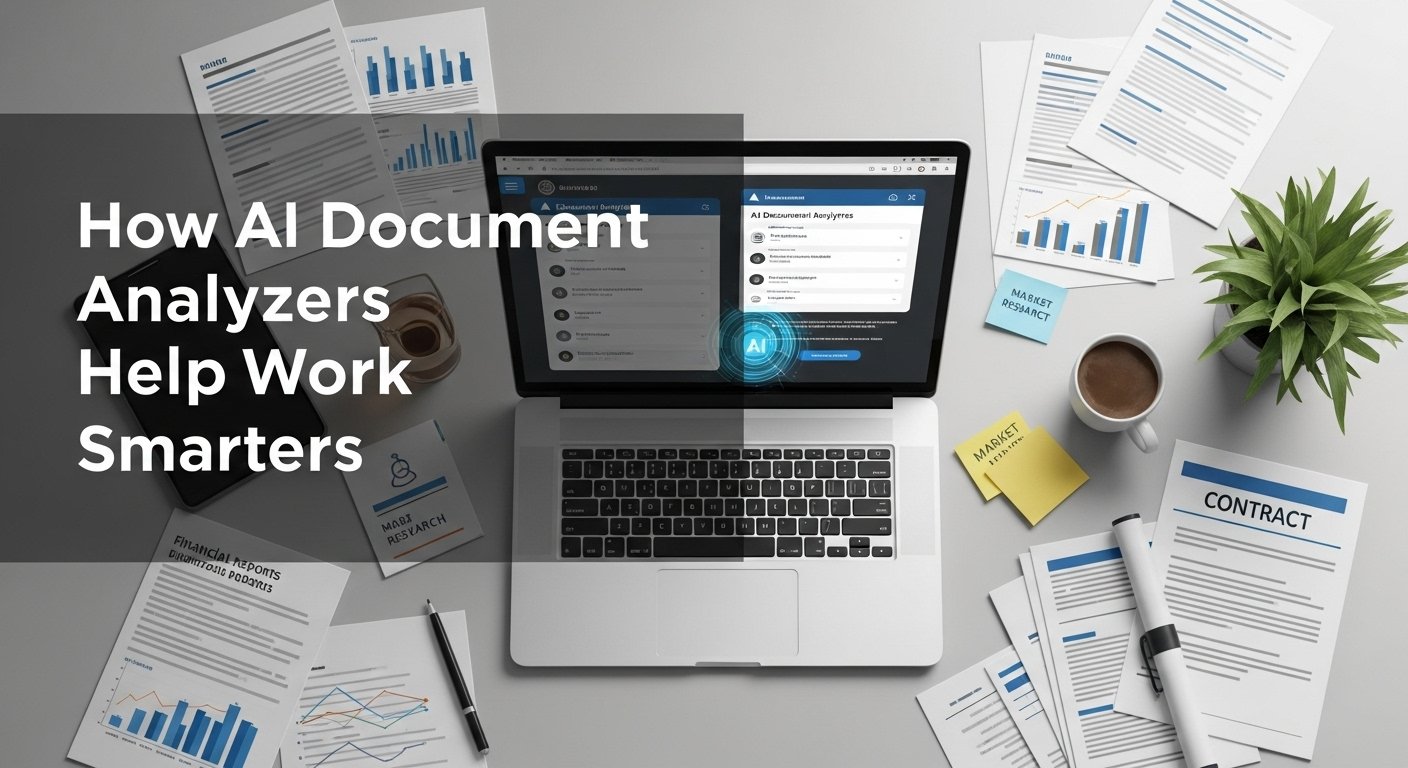
I remember the exact moment I realized I needed help. It was a Tuesday morning, and I had 14 reports open on my desktop: quarterly financial statements, compliance documents, market research PDFs, and a stack of client contracts. Each one required a different kind of analysis: one needed risk assessment, another required data extraction, and a third needed a compliance check. My brain felt like it was running a dozen different programs at once, and I was missing critical connections between documents.
That’s when I started exploring AI document analyzers not as a replacement for my expertise, but as a way to process information more intelligently. After 18 months of using these tools across financial analysis, legal review, and research projects, I’ve developed a clear understanding of what they can do, where they fall short, and how to integrate them into a professional workflow.
What Makes Modern Document Analysis Different
Traditional document processing meant manually reading, highlighting, and transcribing data. It was slow, error-prone, and often missed subtle patterns that only become obvious when you’re looking at multiple documents simultaneously.
Modern AI document analyzers work differently. They can:
- Extract structured data from unstructured documents, like pulling tables from PDFs
- Identify patterns and anomalies across multiple files
- Summarize complex reports while preserving key details
- Compare documents for discrepancies or changes
- Flag risks or compliance issues based on predefined criteria
The shift isn’t just about speed; it’s about changing how we interact with information. Instead of reading documents linearly, we can ask specific questions and get contextual answers.
Real-World Applications I’ve Tested
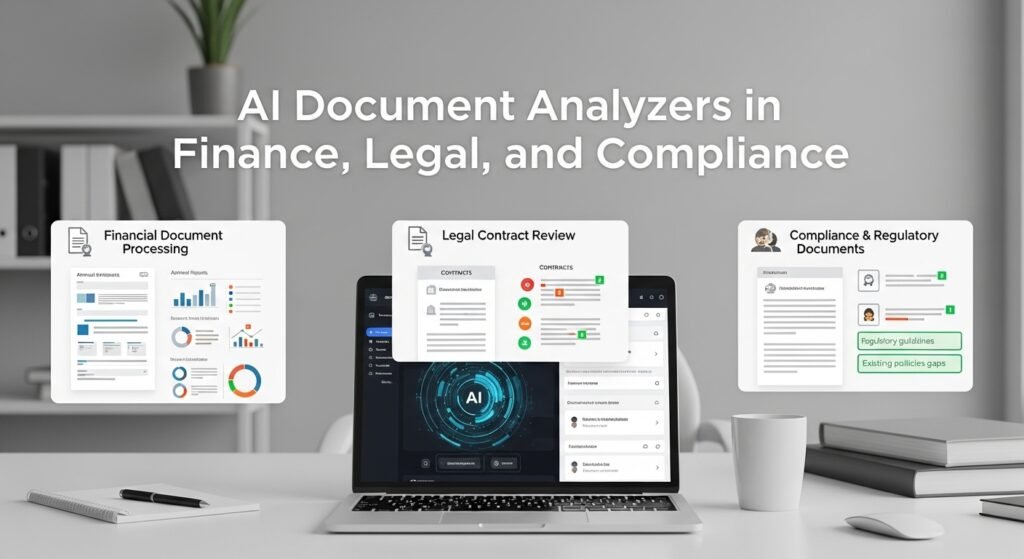
Financial Document Processing
I worked with a small investment firm that needed to analyze 50+ annual reports each quarter. Previously, this required two analysts working full-time for a week. Using an AI document analyzer, we reduced the time to two days while improving accuracy.
The tool extracted key metrics, revenue, profit margins, and debt ratios directly from the reports, even when they were in different formats. More importantly, it flagged inconsistencies, like when one section of a report contradicted another, or when a company’s reported figures didn’t match industry benchmarks.
Legal Contract Review
For a legal services client, I helped implement document analysis for contract review. The tool scanned 200+ vendor agreements and identified 14 instances of non-standard liability clauses that had been overlooked during initial review. It didn’t replace the lawyer’s judgment, but it ensured nothing slipped through the cracks.
Compliance and Regulatory Documents
In the healthcare sector, I assisted with analyzing regulatory updates against existing policies. The analyzer could compare new guidelines against current procedures and highlight gaps that needed addressing. This proactive approach helped a client avoid potential compliance issues before they became problems.
Key Features That Actually Matter
After testing dozens of platforms, these are the capabilities that deliver real value:
1. Multi-Format Support
The best tools handle PDFs, Word documents, Excel files, scanned images, and even email attachments. This is crucial because real-world document sets are rarely uniform.
2. Context-Aware Analysis
Instead of just keyword matching, quality analyzers understand context. They can distinguish between a revenue projection in a financial report and a revenue requirement in a contract.
3. Customizable Workflows
I’ve found the most useful tools let you define specific analysis parameters. For example, you can tell the analyzer to focus on financial ratios, legal clauses, or safety regulations, depending on your project.
4. Audit Trails
For professional use, knowing exactly how the tool arrived at its conclusions is essential. Good platforms provide source references for every extracted data point.
Limitations and Critical Considerations
Accuracy Isn’t Perfect
I learned this the hard way when an analyzer misread a decimal point in a financial report, turning $4.5M into $45M. Always verify critical data points, especially when dealing with numbers.
Context Matters More Than You Think
The tool can extract liability limit: $1M from a contract, but it can’t tell you if that’s standard for your industry or unusually high. Human judgment is still essential for interpretation.
Privacy and Security
Document analysis often involves sensitive information. I only recommend using tools with enterprise-grade security, end-to-end encryption, and clear data handling policies. For highly confidential work, on-premise solutions are worth considering.
The “Black Box” Problem
Some analyzers provide answers without clear explanations. I avoid these for professional work. You need to understand why the tool flagged something as a risk or extracted a specific data point.
My Recommended Workflow
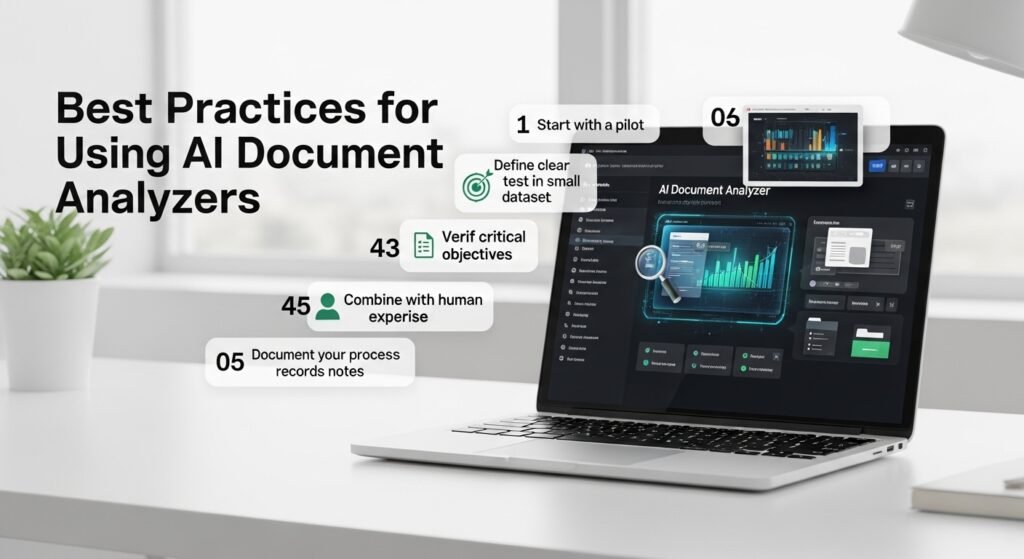
Based on 18 months of practical use, here’s what works:
- Start with a pilot. Test the analyzer on a small, known dataset before scaling up
- Define clear objectives. Know exactly what you need the tool to do
- Verify critical outputs. Always double-check key findings, especially for high-stakes decisions
- Combine with human expertise. Use the tool for processing and pattern recognition, but apply human judgment for interpretation
- Document your process. Keep records of how you used the analyzer for audit purposes
The Future of Document Analysis
As these tools evolve, I’m seeing a shift toward more interactive analysis. Instead of just extracting data, newer systems can answer complex questions across multiple documents, generate insights, and even suggest next steps based on the analyzed content.
The most successful professionals I know aren’t replacing their expertise with AI; they’re using it to handle the mechanical aspects of document processing so they can focus on higher-level analysis, strategy, and decision-making.
FAQs
1. Can AI document analyzers handle handwritten text?
Most modern tools can process scanned documents with handwritten notes, but accuracy varies based on handwriting quality and document clarity.
2. Are these tools suitable for small businesses?
Yes, many platforms offer scalable pricing. Start with a small volume of documents to test value before committing to larger investments.
3. How do I ensure data privacy when using cloud-based analyzers?
Choose providers with strong security credentials, clear privacy policies, and options for data encryption. For sensitive documents, consider on-premise solutions.
4. Can these tools work with non-English documents?
Most quality analyzers support multiple languages, but accuracy may be better for major languages like English, Spanish, German, and French.
5. What’s the biggest mistake people make with document analyzers?
Relying on them without verification. These tools are assistants, not replacements for critical thinking. Always verify important outputs against original documents.

Post Comment