AI File Analyzer for Documents
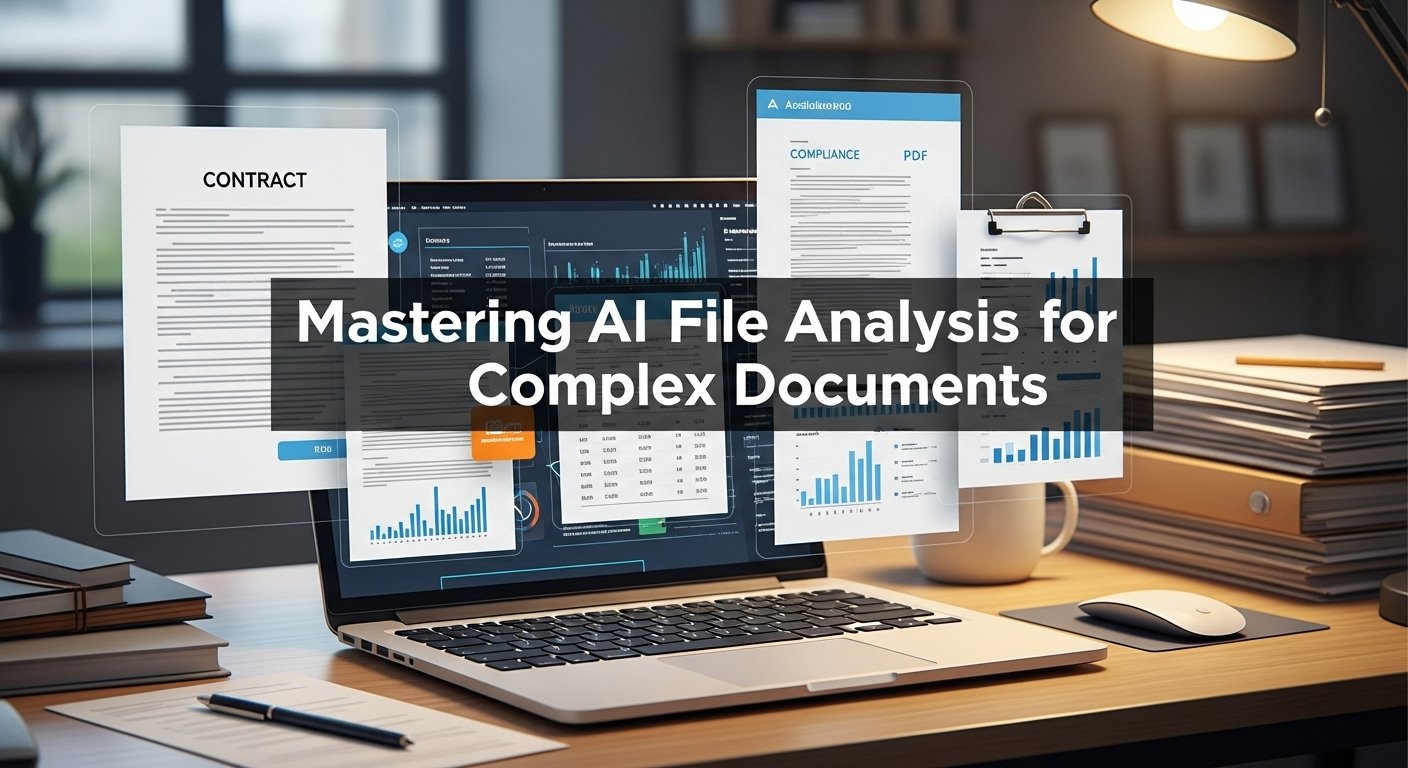
The breaking point came during a due diligence review in late 2024. I had 217 corporate documents spread across my deskcontracts, financial statements, compliance reports, email threads saved as PDFs, and meeting transcripts. My task was to identify any inconsistencies, flag potential risks, and summarize key obligations. Three days in, I’d barely scratched the surface, my eyes were crossing, and I’d missed a critical non-compete clause that my paralegal caught on a second pass.
That miss could have cost the client millions. It also convinced me that human-only document review at this scale was a recipe for disaster, no matter how careful I tried to be.
Since then, I’ve integrated AI file analyzers into nearly every document-heavy project I tackle, M&A reviews, academic literature synthesis, policy compliance audits, and even organizing my own chaotic filing system. I’ve tested over a dozen platforms, made costly mistakes, discovered unexpected strengths, and developed a workflow that combines machine efficiency with human judgment.
Here’s what I’ve learned about using an AI file analyzer for documents effectively in 2026.
What AI File Analyzers Actually Do
Traditional document management tools organize files. Search functions find keywords. But neither truly understands meaning.
An AI file analyzer reads documents contextually. It identifies entities, people, companies, dates, and amounts, recognizes relationships between concepts, detects anomalies, extracts structured data from unstructured text, and answers questions about content spread across dozens of files.
For example, instead of searching payment terms in 50 vendor contracts and manually comparing results, you can ask: Which contracts have payment terms longer than 60 days? The analyzer scans all documents, interprets various phrasings, and returns a precise list with citations.
It’s pattern recognition and comprehension at scale, something human brains struggle with beyond a handful of documents.
Real-World Applications That Changed My Work
Legal Contract Analysis
During a recent corporate acquisition, I uploaded 83 contracts and asked the analyzer to flag any change-of-control provisions. It found 11 instances, including two buried in appendices I would have easily overlooked. Each finding included the exact clause text and page number, allowing me to verify quickly.
Compliance Auditing
A healthcare client needed to verify that 150+ vendor agreements included proper HIPAA language. The analyzer identified 7 contracts with missing or non-standard privacy provisions in about 10 minutes work that previously took two full workdays.
Academic Research Synthesis
While working on a policy paper about renewable energy incentives, I uploaded 40 government reports and research papers. I asked for a comparative analysis of projected job creation estimates across all sources. The tool generated a structured summary showing ranges, methodological differences, and outliers, giving me a foundation I refined with my own critical analysis.
Financial Document Review
For a small business loan application, I needed to extract revenue figures, expense categories, and growth rates from three years of financial statements in varying formats. The analyzer pulled the data into a consistent table in minutes, which I then verified against source documents before submission.
Where These Tools Excel (And Where They Don’t)
Strengths I’ve Observed:
- Speed: Analyzing 100+ documents in minutes vs. days
- Consistency: Doesn’t get tired, distracted, or skip sections
- Cross-referencing: Connects information across multiple files effortlessly
- Data extraction: Pulls specific information, dates, amounts,and names with high accuracy
- Pattern detection: Spots anomalies humans might miss in repetitive documents
Limitations I’ve Encountered:
- Contextual subtlety: Struggles with sarcasm, implied meanings, or cultural nuance
- Conflicting information: May not recognize when two documents contradict each other without explicit prompting
- Non-standard formats: Handwritten notes, heavily redacted documents, or complex tables can confuse the system
- Legal interpretation: Can identify clauses, but shouldn’t interpret legal implications that still require human expertise
The worst mistake I made was trusting an analyzer’s summary of insurance coverage limits without verification. It had misread up to $1M per occurrence as “$1M total coverage,” a critical difference. Now I verify every high-stakes finding.
Privacy and Security Considerations
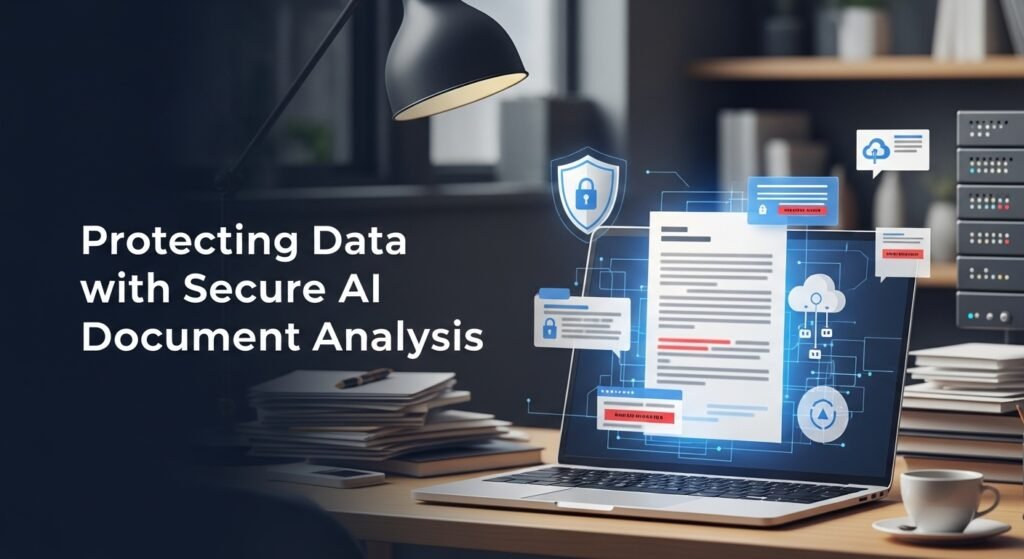
This is non-negotiable territory. Many free or consumer-grade analyzers upload your documents to cloud servers and may use them to train future models.
For client work or sensitive documents, I only use:
- Enterprise solutions with data retention policies
- On-premise deployments
- HIPAA/GDPR compliant platforms for regulated industries
I learned this lesson when a colleague uploaded confidential employment agreements to a free tool, only to discover later that the service explicitly stated uploaded content might be used for model improvement. Fortunately, no breach occurred, but it was a wake-up call about reading the terms of service carefully.
My Proven Workflow
After two years of refinement, this process delivers reliable results:
- Classify documents first: Group files by type (contracts, reports, correspondence) for more targeted analysis
- Start with broad questions: What are the main topics covered across these documents?
- Drill down to specifics: List all payment deadlines mentioned in vendor contracts.
- Verify critical findings: Cross-check important data against original documents
- Document the process: Keep records of what was analyzed and when, for audit trails
- Apply human judgment: Use analysis as input for decisions, not the decision itself
This hybrid approach gives me 80% time savings while maintaining accuracy and accountability.
The Human Element Remains Essential
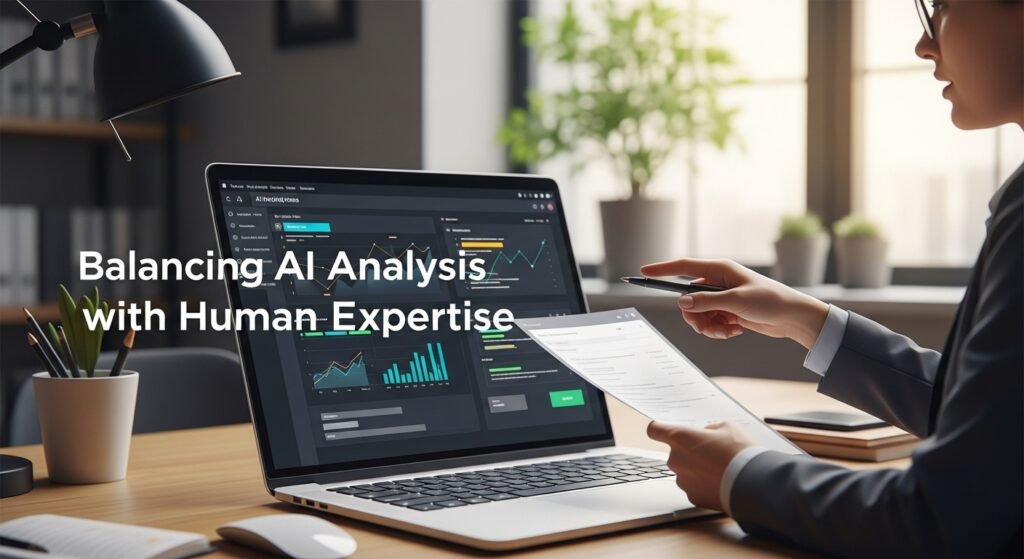
AI file analyzers are phenomenally useful assistants, but they’re not replacements for expertise. They process information; they don’t understand implications, assess credibility, or make strategic decisions.
The best outcomes happen when technology handles volume and pattern detection while humans provide context, judgment, and accountability. That’s the balance I’ve found most effective and most ethically sound.
FAQs
Can AI file analyzers handle different file formats?
Yes, most handle PDFs, Word docs, Excel files, emails, and text files. Some also process images with OCR technology.
Are these tools accurate enough for legal work?
They’re highly accurate for information extraction but should never replace legal review. Always verify findings, especially for high-stakes matters.
How do I protect confidential information?
Use enterprise tools with zero-retention policies, on-premise deployment, or industry-specific compliance certifications.
Can they analyze handwritten documents?
Quality varies. Modern OCR handles typed text well, but handwriting accuracy depends on legibility and the specific tool used.
What’s the biggest risk of using these tools?
Over-reliance without verification. Always cross-check critical findings against source documents before making important decisions.

Post Comment