AI Tools for Freelancers to Save Time
If you’ve ever juggled client deadlines while drowning in admin work, you know the freelance grind. I remember nights spent formatting invoices instead of sleeping, or losing hours to creative block when inspiration just wouldn’t strike. As a freelancer with over a decade in content strategy, I’ve lived that chaos. But recently, something shifted. AI tools stopped being buzzwords and became my silent partners handling the tedious stuff so I could focus on what actually pays: high-value work and client relationships.
This isn’t about replacing human creativity or expertise. It’s about reclaiming time. For freelancers, time isn’t just money; it’s sanity, growth, and the freedom that drew us to this path. Let’s explore how AI is reshaping the freelance landscape, one automated task at a time.
Why AI? The Freelancer’s Time Crunch
Freelancers wear all the hats: marketer, accountant, project manager, and creative director. A 2026 Upwork study found that 64% of freelancers spend over 20% of their week on administrative tasks. That’s time not spent on billable work. Enter AI not as a sci-fi takeover, but as a practical ally. These tools learn patterns, predict needs, and automate repetitive actions, turning hours into minutes.
AI Tools That Actually Move the Needle
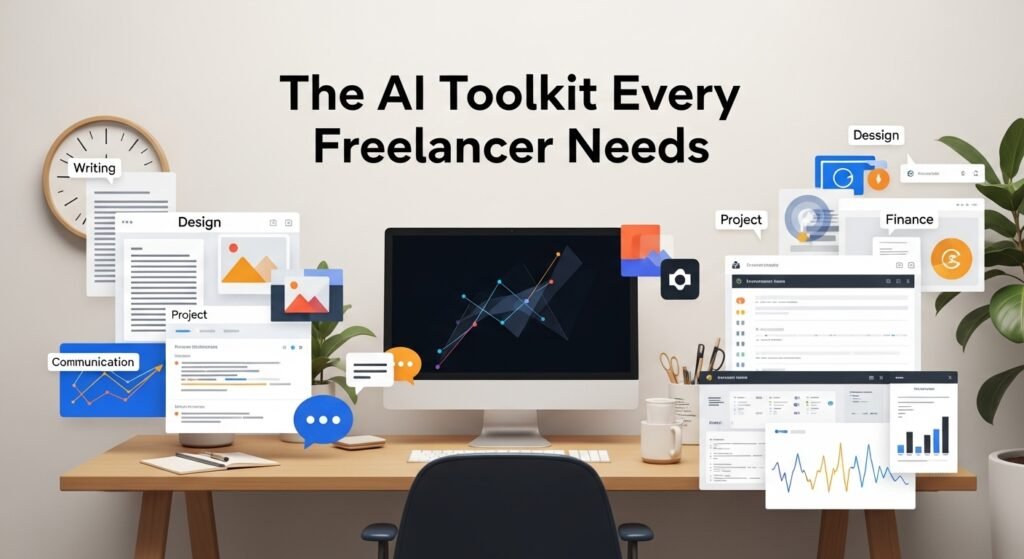
I’ve tested dozens of tools, and only a handful earn a permanent spot in my toolkit. Here’s a breakdown by category, with real-world examples:
1. Writing & Content Creation
Tools like Jasper and Copy.ai use natural language processing to draft blog outlines, social posts, or email campaigns in seconds. But don’t mistake them for magic wands. I use Jasper to brainstorm angles for client articles, feeding it keywords and a tone brief. What used to take an hour now takes 15 minutes. The key? Editing rigorously. AI drafts are raw clay, not finished sculptures.
Real Impact: Sarah, a freelance copywriter, cut her research time by 60% using Surfer SEO, which analyzes top-ranking content and suggests optimizations. She now pitches more clients monthly without burning out.
2. Design & Visuals
Canva’s Magic Studio is a game-changer for non-designers. Its “Magic Resize” adapts a single design to Instagram, LinkedIn, and blog banners instantly. For pros, Adobe Sensei auto-tags assets and suggests edits in Photoshop. I’ve used it to batch-edit product photos for an e-commerce client, turning a 3-hour task into 30 minutes.
Caveat: AI can’t replace design intuition. A freelance designer I know uses DALL·E 3 for concept mockups but insists on refining every output manually. AI gives me a starting point, she says, “but the client’s brand voice is mine to nail.”
3. Project Management & Admin
Motion’s AI scheduler auto-prioritizes tasks based on deadlines and energy levels. It’s like having a personal assistant. For invoicing, FreshBooks uses AI to categorize expenses and send payment reminders. I’ve integrated Calendly with AI-powered routing—clients book slots based on my real-time availability, eliminating endless email ping-pong.
Case Study: Mark, a freelance developer, uses Trello’s Butler to automate task boards. When a client marks a task “done,” it triggers a QA checklist and notifies the next reviewer. His project turnaround improved by 40%.
4. Communication & Client Relations
Otter.ai transcribes Zoom calls into searchable notes and action items. No more frantic scribbling! For client onboarding, ChatSpot drafts personalized emails using CRM data. I’ve used it to send tailored follow-ups after discovery calls, clients feel heard, and I save 2 hours weekly.
Ethical Note: Always disclose AI use if it impacts deliverables. One freelancer shared how a client rejected AI-generated copy for being off-brand. Transparency builds trust.
5. Finance & Invoicing
QuickBooks’ AI scans receipts and predicts cash flow gaps. Beekeeper automates invoice reminders, chasing late payments politely but persistently. As someone who once lost $1K to a forgotten invoice, this alone pays for the tool.
The Human Edge: Where AI Falls Short
AI isn’t flawless. It can inherit biases from training data, produce generic output, or miss cultural nuances. A freelance marketer discovered her AI tool suggested campaign ideas that ignored regional sensitivities, costing a client goodwill.
Cost is another hurdle. Premium tools like Grammarly Premium or Jasper add up. Start small: Use free tiers and scale as ROI justifies it.
Choosing Wisely: A Freelancer’s Checklist
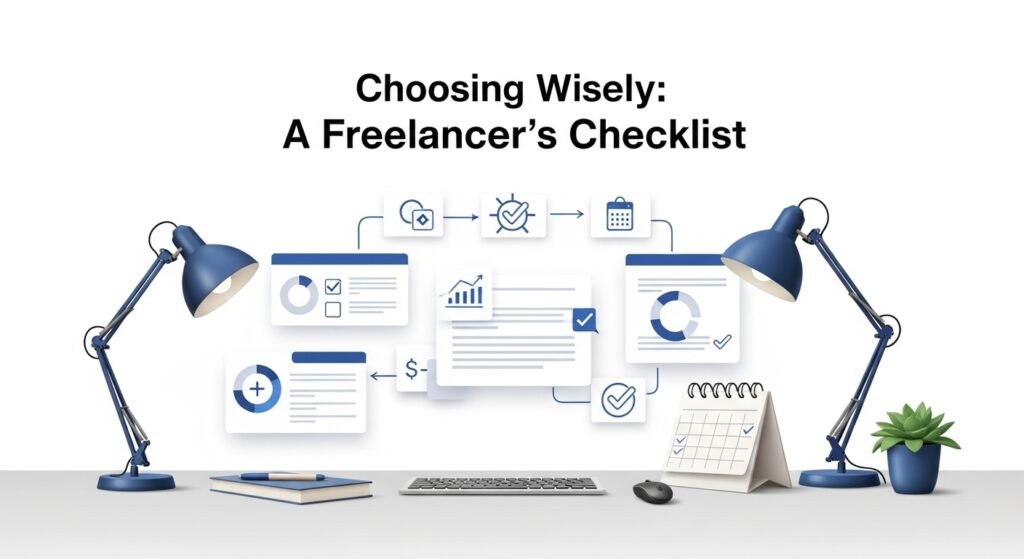
- Identify Time Sinks: Track your week. If you spend 10+ hours on admin, prioritize tools like Motion or FreshBooks.
- Test Drive: Most tools offer free trials. I spent a month trying three project managers before settling on Motion.
- Integration Matters: Pick tools that sync with your stack
- Ethics First: Avoid tools that scrape copyrighted content. Opt for transparent AI like Jasper, which cites sources.
The Future: AI as a Co-Pilot, Not a Pilot
Freelancing thrives on human connection, empathy, intuition, and bespoke solutions. AI handles the grind; we handle the genius. As one client told me, “I hire you for your brain, not your bots.”
The real win? Using saved time to upskill, network, or simply breathe. That’s the freedom we signed up for.
FAQs
Q: Are AI tools expensive for freelancers?
A: Many offer free tiers or affordable plans. Start with one tool targeting your biggest time drain.
Q: Can AI replace human freelancers?
A: No. AI excels at automation, not strategy or emotional intelligence. Clients pay for your expertise. AI just amplifies it.
Q: How do I ensure AI-generated work is original?
A: Always edit and fact-check. Use plagiarism detectors like Copyleaks, and choose tools with ethical data practices.
Q: What’s the best AI tool for a beginner freelancer?
A: Start with Canva or Grammarly. They’re intuitive, low-cost, and solve immediate pain points.
Q: Will clients mind if I use AI?
A: Transparency is key. I disclose AI use for drafts but clarify that final edits are human-led. Most clients appreciate the efficiency.




Post Comment