AI Tools for Managing Documents
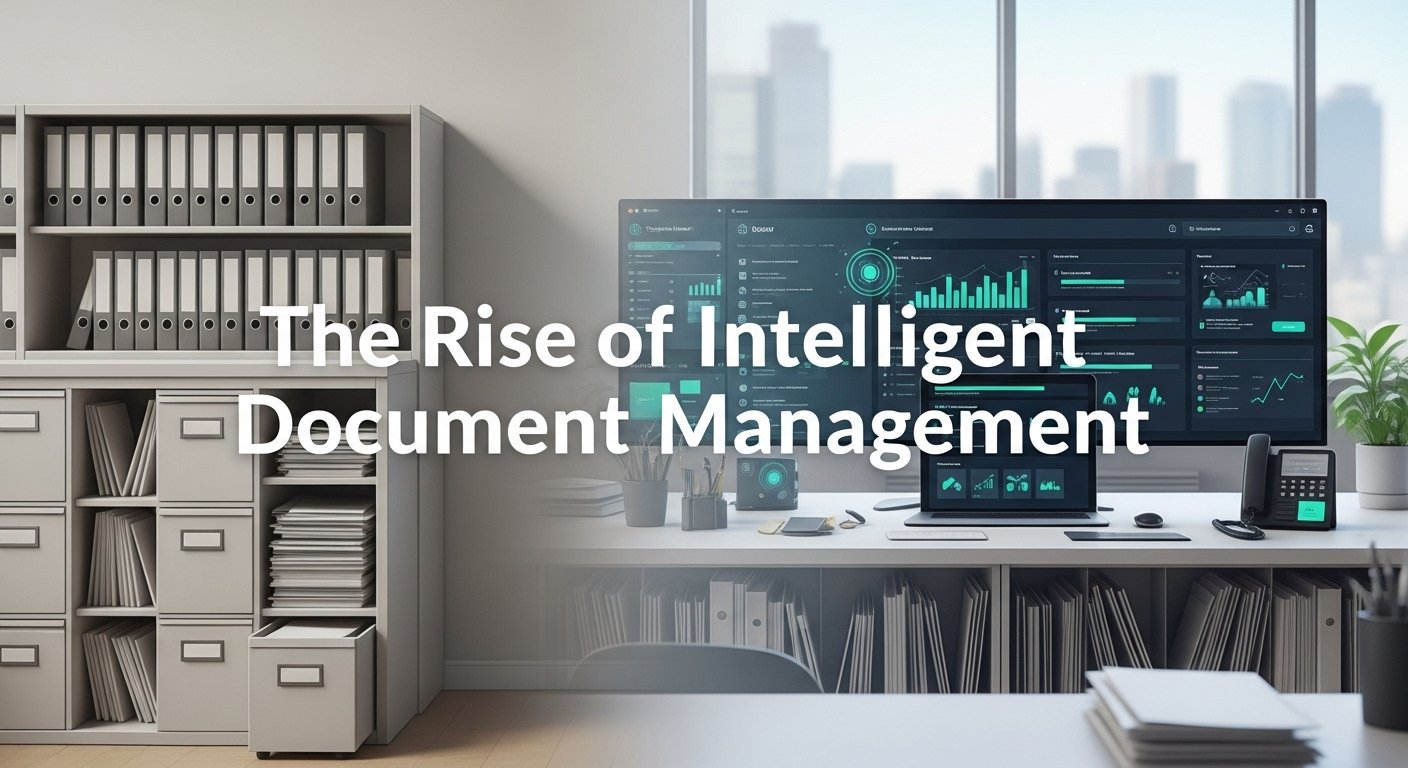
After spending nearly a decade helping organizations streamline their workflows, I’ve watched document management evolve from filing cabinets to cloud storage to something far more intelligent. The shift happened gradually at first, then all at once. Today, intelligent document management isn’t just convenient, it’s essential for survival in a data-driven business landscape.
The Document Chaos Problem Nobody Talks About
Here’s something I learned the hard way while consulting for a mid-sized insurance company last year: the average employee spends 2.5 hours daily searching for information. That’s not a typo. We’re talking about professionals earning good salaries, essentially playing hide-and-seek with PDFs and spreadsheets.
The problem compounds when you factor in contracts buried in email threads, invoices scattered across departments, and compliance documents that mysteriously vanish right before audits. Sound familiar?
Traditional document management systems helped organize files, sure. But they couldn’t understand content, extract meaning, or anticipate what you needed. That’s where intelligent automation stepped in and changed everything.
How Smart Document Tools Actually Work
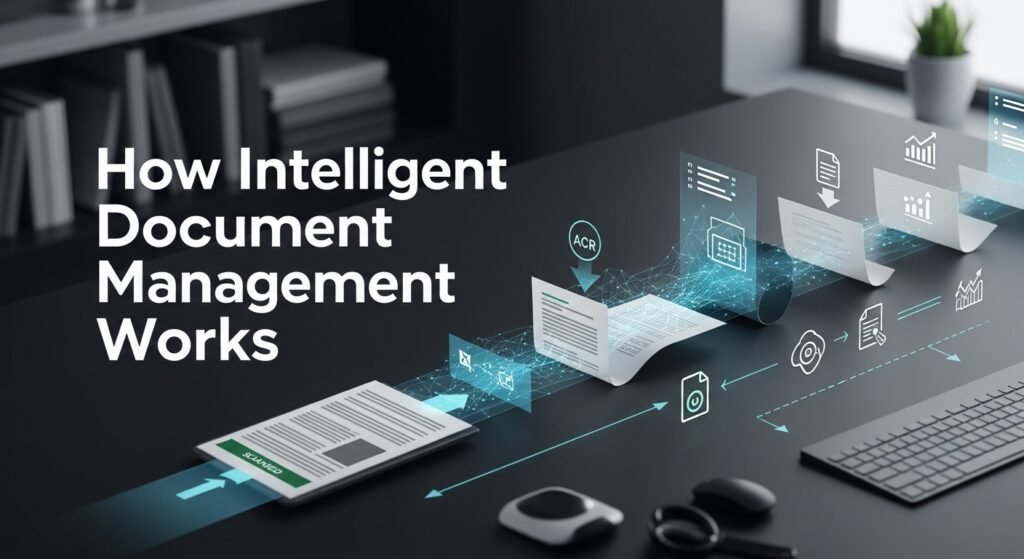
The technology behind modern document management relies on several capabilities working together. Optical Character Recognition converts scanned documents into searchable text, something that seemed magical just fifteen years ago. Natural language processing takes things further by understanding context, identifying entities, and categorizing content automatically.
When a vendor invoice hits your system, smart tools can extract the amount, due date, and vendor information without human intervention. They recognize patterns, flag anomalies, and route documents to appropriate team members. One healthcare client I worked with reduced their claims processing time by 68% after implementing these solutions.
Tools Worth Your Attention in 2026
DocuSign CLM
Contract lifecycle management through DocuSign has become remarkably sophisticated. Beyond electronic signatures, their platform now offers intelligent search across thousands of agreements, automatic metadata extraction, and renewal tracking. Legal teams I’ve collaborated with particularly appreciate the clause comparison features.
Microsoft SharePoint with Syntex
Organizations already embedded in the Microsoft ecosystem often overlook SharePoint’s intelligent document processing capabilities. Syntex can automatically classify documents, extract structured data, and apply retention policies. The learning curve exists, but the integration advantages are substantial.
Adobe Acrobat with Liquid Mode
Adobe’s enhancements for handling PDF documents impressed me during a recent project. The restructuring technology makes dense documents readable on any device, while the intelligent editing tools streamline workflows that previously required multiple applications.
Google Document AI
For businesses leveraging Google Workspace, Document AI provides specialized processors for invoices, receipts, contracts, and identification documents. The pay-per-use pricing model works well for organizations with variable processing volumes.
Hyperscience
Enterprise clients dealing with massive document volumes often turn to Hyperscience. Their platform handles semi-structured and unstructured documents remarkably well, learning from corrections to improve accuracy over time. The implementation requires investment, but the returns for high-volume operations justify the commitment.
Real-World Applications That Deliver Results
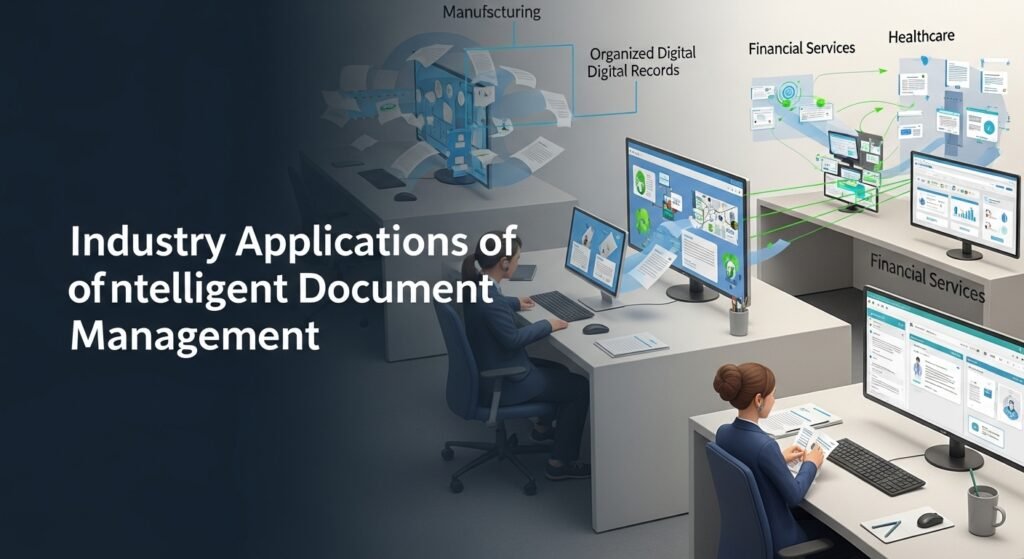
A manufacturing company I advised last spring struggled with supplier documentation scattered across regional offices. Purchase orders, quality certificates, and shipping documents created bottlenecks that delayed production schedules. After implementing intelligent document processing, they centralized everything while maintaining regional autonomy. Documents now flow automatically to the appropriate systems based on content analysis.
Financial services firms benefit enormously from automated compliance documentation. Know-your-customer requirements, transaction records, and regulatory filings get organized, tagged, and retrieved when auditors come calling. The stress reduction alone justifies the investment.
Healthcare organizations navigate complex documentation requirements around patient records, insurance claims, and regulatory compliance. Smart document tools ensure proper handling while maintaining HIPAA compliance—a combination that seemed impossible just years ago.
Choosing the Right Solution
Several factors should guide your decision-making process. Integration capabilities matter tremendously. A brilliant tool that doesn’t communicate with your existing systems creates more problems than it solves.
Consider your document types carefully. Highly structured forms require different capabilities than complex contracts with variable layouts. Some tools excel at standardized processing while others handle variety more gracefully.
Security requirements vary by industry and geography. European organizations need GDPR compliance, healthcare companies require HIPAA considerations, and financial institutions face their own regulatory frameworks. Verify that any solution meets your specific obligations.
Pricing models differ significantly across providers. Some charge per document processed, others offer subscription tiers based on volume or features. Calculate your actual usage patterns before committing.
Limitations and Honest Considerations

No technology solution works perfectly. Handwritten documents still challenge most systems. Poor-quality scans produce unreliable results. Documents in multiple languages or with unusual formatting require additional configuration.
The learning period frustrates some organizations. These tools improve with training and feedback, meaning initial accuracy rates might disappoint teams expecting immediate perfection. Patience and proper implementation planning make significant differences in outcomes.
Data privacy concerns deserve serious attention. Documents often contain sensitive information, and cloud-based processing means trusting external providers with that data. Review security certifications, data handling policies, and breach notification procedures before proceeding.
Looking Forward
The document management landscape continues to evolve rapidly. Multimodal understanding, combining text, images, and layout analysis, already delivers impressive results. Predictive capabilities that anticipate document needs based on workflow patterns are emerging in enterprise solutions.
Organizations that embrace intelligent document management now build foundations for future capabilities. Those who delay accumulate document debt that becomes increasingly expensive to address.
The transformation doesn’t happen overnight. Start with high-volume, repetitive processes where automation delivers immediate returns. Build institutional knowledge, refine approaches, and expand gradually. That methodical approach produces sustainable results rather than expensive disappointments.
Frequently Asked Questions
What is the average cost of document management tools?
Pricing ranges from free tiers for basic needs to enterprise solutions costing thousands monthly. Most mid-sized businesses spend $15-50 per user monthly for comprehensive features.
Can these tools handle handwritten documents?
Handwriting recognition has improved but remains challenging. Expect 70-85% accuracy for legible handwriting, with significant drops for poor penmanship.
How long does implementation typically take?
Simple deployments are complete within weeks. Complex enterprise implementations with custom integrations often require 3-6 months for full rollout.
Are cloud-based solutions secure enough for sensitive documents?
Reputable providers maintain SOC 2 compliance, encryption, and robust access controls. Evaluate specific certifications against your regulatory requirements.
What happens to existing document archives?
Most platforms offer migration tools and batch processing for historical documents. The digitization process takes time but creates searchable, organized archives.
Do these tools replace human document review entirely?
They augment rather than replace human judgment. Complex decisions, unusual situations, and quality verification still require human oversight.

Post Comment