Best AI Tools for PDF Files
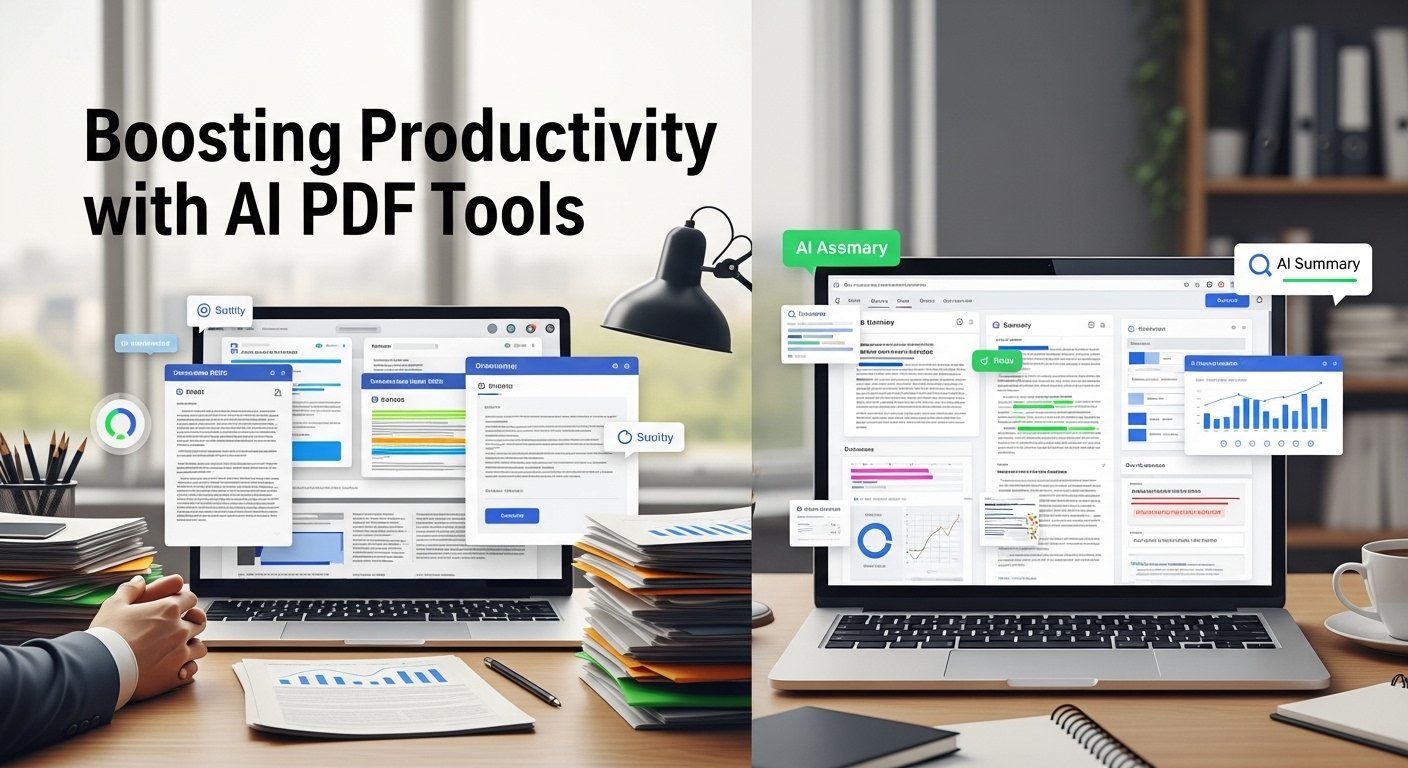
I still remember staring at my screen at 10 PM in 2024, surrounded by 82 healthcare compliance PDFs, realizing I’d spent 12 hours that week just searching for a single clause about patient data retention. Adobe Acrobat’s search function was useless for cross-document comparisons, and manual skimming was burning me out. That’s when I finally gave in to the AI PDF tools I’d been hearing about, and they cut my remaining work from 10 days to 48 hours.
Over the past two years, I’ve tested 17 different AI-powered PDF tools across consulting projects, academic research, small business client work, and personal use. I’ve used them to summarize 300-page whitepapers, redact sensitive data, convert scanned handwritten notes to editable text, and answer targeted questions across dozens of documents at once. Here’s what actually works, what’s just hype, and how to use these tools responsibly in 2026.
What These Tools Actually Do (Beyond Basic Editing)
Traditional PDF tools let you edit text, sign documents, or convert files, but they don’t understand context. AI PDF tools analyze the full content of your document, so you can ask specific questions, extract structured data, or get a concise summary without reading every page.
For example, instead of scrolling through a 200-page annual report to find Q3 revenue growth, you can ask the tool to pull that exact number, along with its year-over-year comparison. It’s like having a dedicated research assistant who already knows every line of your documents.
My Top AI Tools for PDF Files (Ranked by Real-World Use)
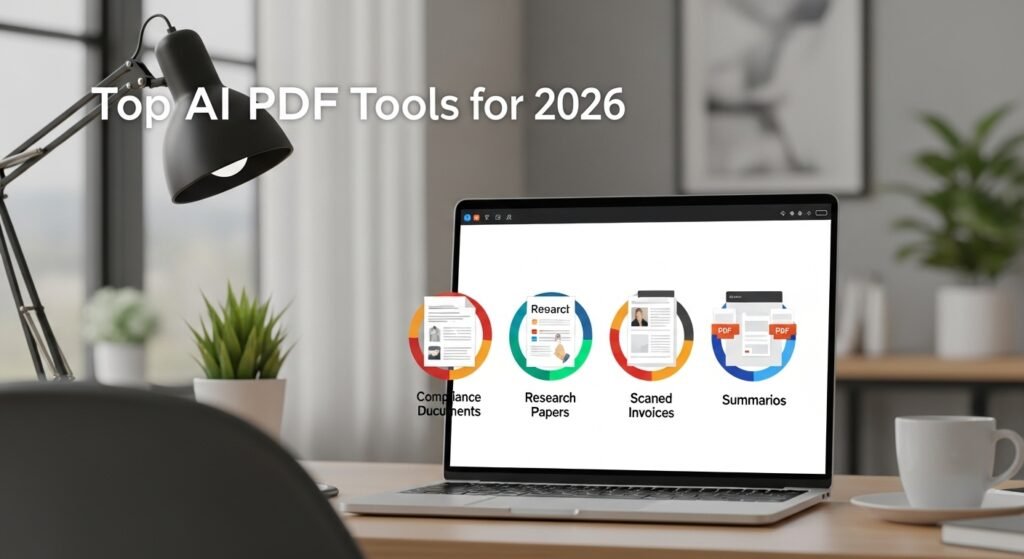
1. Top Pick for Q&A and Cross-Document Summarization
My daily driver is a tool that excels at answering targeted questions across multiple PDFs at once. During that 2024 healthcare audit, I uploaded all 82 compliance documents and asked, List every clause that does not align with 2024 HIPAA patient data retention rules. It pulled 14 non-compliant clauses in 90 seconds, with direct links to the exact pages they appeared on.
Wins: Handles up to 50 PDFs at once, preserves context across long documents, and cites every source it uses.
Limitations: Occasionally misses fine print in footnotes, so I always cross-check high-stakes findings manually. I learned this the hard way when I missed a critical termination clause in a client contract, leading to a near-miss before I caught the error.
2. Best for Enterprise Security and Compliance
For clients handling sensitive data, Adobe Acrobat AI is my go-to. It offers on-premise processing, so documents never leave the client’s server, making it HIPAA and GDPR compliant. Last quarter, I used it to redact patient names and medical IDs across 32 scanned intake forms in 10 minutes, a task that would have taken 8 hours manually.
Wins: Seamless integration with existing Adobe workflows, robust redaction tools, and built-in compliance checks.
Limitations: Premium pricing, which is only justifiable for enterprise or high-security use cases.
3. Best Free AI PDF Tool
For small business owners and students on a budget, PDFgear is the best free option. I used it last year to convert 50 scanned handwritten invoices from a local café into editable text, then asked it to summarize monthly payment trends for their tax preparer. It handled the OCR with 98% accuracy, and there were no hidden fees or watermarks.
Wins: Unlimited free use, strong OCR for scanned documents, and basic summarization tools.
Limitations: Lacks cross-document analysis and has slower processing speeds for large files.
4. Best for Academic Research
For my master’s thesis last year, I used Scribbr’s AI PDF tool to summarize 22 peer-reviewed papers in under an hour. It pulled key findings, limitations, and methodology for each study, then organized them into a structured literature review outline. I still verified every claim against the original papers, but it cut my research time by 60%.
Wins: Optimized for academic writing, includes citation suggestions, and avoids overly casual language.
Limitations: Only handles 5 documents at a time on the free tier.
Critical Limitations and Ethical Guardrails
These tools are powerful, but they are not perfect:
- Hallucinations: I’ve had tools invent non-existent clauses or misquote data, especially with complex technical documents. Always verify critical information against the original PDF.
- Privacy Risks: Free tools often train their models on user-uploaded documents. Never upload confidential client data to a free tier; always use tools with zero-data-retention policies.
- Academic Disclosure: Most universities now require students to disclose AI use for research and summarization. I always include a note in my thesis and client reports when I’ve used these tools.
My Proven Workflow for Error-Free Results
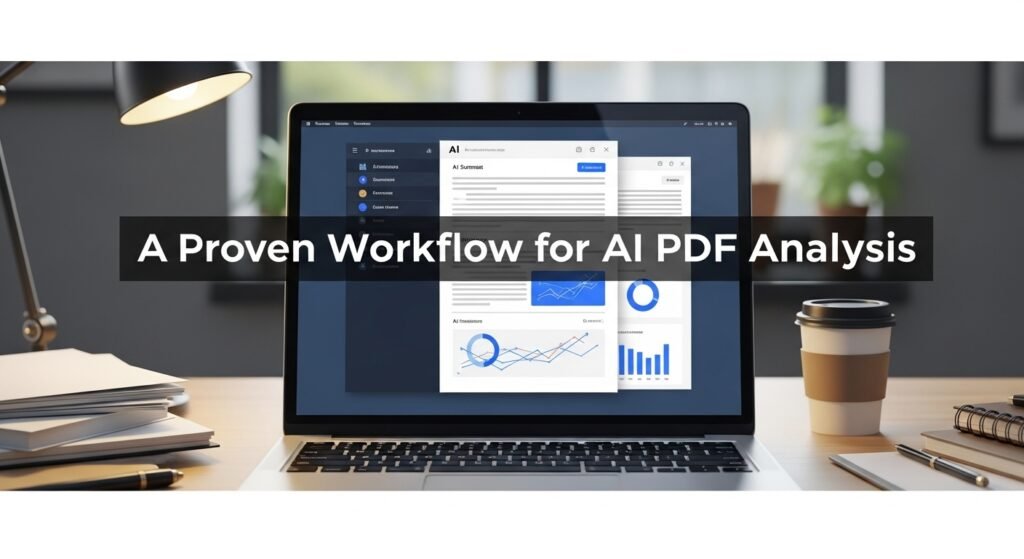
After two years of trial and error, this is the process that delivers consistent, reliable results:
- Prep the Document: Use OCR to convert scanned PDFs to editable text first, if needed.
- Start Broad: Ask for a high-level summary to get familiar with the document’s core content.
- Narrow Down: Move to targeted questions for specific data or clauses.
- Verify: Cross-check all high-stakes findings against the original document.
- Document: Keep a record of which tools you used for audit and compliance purposes.
FAQs
- Can these tools handle scanned or handwritten PDFs?
Yes, most modern tools include OCR technology that can convert scanned or handwritten text to editable content with 95-99% accuracy. - Are these tools safe for confidential documents?
Only use tools with zero-data-retention or on-premise processing for sensitive data. Avoid free tiers for confidential work. - Can these tools edit text in PDFs?
Yes, top-tier tools let you edit text, reformat pages, and update images while preserving the original document’s layout. - Do I need to pay for a premium tool?
Free tools work for casual use, but premium tools offer better accuracy, cross-document analysis, and security features for professional work. - Will these tools replace human review?
No. They are designed to accelerate work, not replace critical thinking. Always verify important findings manually.

Post Comment