Best AI Tools for Small Business Growth
I’ve spent the last five years watching small business owners wrestle with the same problem: they want to scale their operations but don’t have the budget or technical expertise that Fortune 500 companies take for granted. The good news? Artificial intelligence has fundamentally changed this equation. What used to require hiring entire departments can now be handled by accessible, affordable tools that any business owner can implement in a weekend.
But here’s what I’ve learned from working with dozens of small businesses: not all AI tools are created equal, and the flashy ones aren’t always the most useful.
Why Small Businesses Actually Need AI
Let me be direct: AI isn’t just a trend for small businesses anymore. It’s becoming a necessity. When your competitor can serve customers 24/7 with chatbots, personalize marketing emails at scale, or analyze customer data faster than you can, you’re already playing catch-up.
The real appeal for small business owners isn’t the technology itself, it’s what AI does with your time. Most small business owners are stretched thin. You’re wearing sales, operations, customer service, and marketing hats simultaneously. AI handles the repetitive stuff, freeing you up for actual strategy and growth work.
Customer Service and Support
ChatGPT’s integration into business tools has been genuinely transformative here. But beyond just the general-purpose model, I’d look specifically at Intercom or Drift for businesses that need more sophisticated customer engagement.
What I like about these platforms is that they handle the predictable questions, order status, basic troubleshooting, and account questions immediately, without human intervention. Your customers get instant responses instead of waiting 24 hours for someone to clock in. Meanwhile, genuinely complex issues still escalate to your team.
I worked with a small software company that implemented an AI chatbot and reduced their support response time from eight hours to two minutes for 70% of inquiries. They didn’t hire additional staff; they just freed up their existing team to focus on complex technical issues.
Content Creation and Marketing Automation
Here’s where the landscape has shifted dramatically. Tools like Claude, ChatGPT, and specialized platforms like Copy.ai and Jasper have made it possible for one person to manage content output that previously required an entire marketing team.
My honest take? These tools work best when you’re not asking them to replace creative thinking. They’re excellent at scaling ideas you’ve already validated. They can generate email variations, social media captions, blog outlines, and product descriptions in seconds. But they shouldn’t be your entire marketing strategy.
HubSpot’s free tier integrates AI features that can automatically send follow-up emails, segment customers, and suggest content topics based on your industry. It’s genuinely useful for small teams managing their own marketing.
Sales and Lead Management
Pipedrive and HubSpot have integrated AI features that actually matter for sales teams. The AI helps prioritize which leads are most likely to convert, flags at-risk deals, and even suggests next actions based on your sales history.
I’ve watched AI features in these platforms predict which deals would close with about 75% accuracy. For a sales team of two or three people, that’s the difference between hitting your quarterly targets and scrambling in November.
Analytics and Business Intelligence
This is subtle but important. Most small business owners have data scattered across multiple platforms, such as sales software, email, social media, and payment processors, but they’re not really seeing it.
Tableau Public and Microsoft Power BI reasonably priced for small businesses, have integrated AI that can identify trends and answer questions about your business without you needing to build complex reports. You can actually ask these tools questions in plain English: What’s driving our highest-margin sales? or Which customer segments are growing?
Accounting and Financial Management
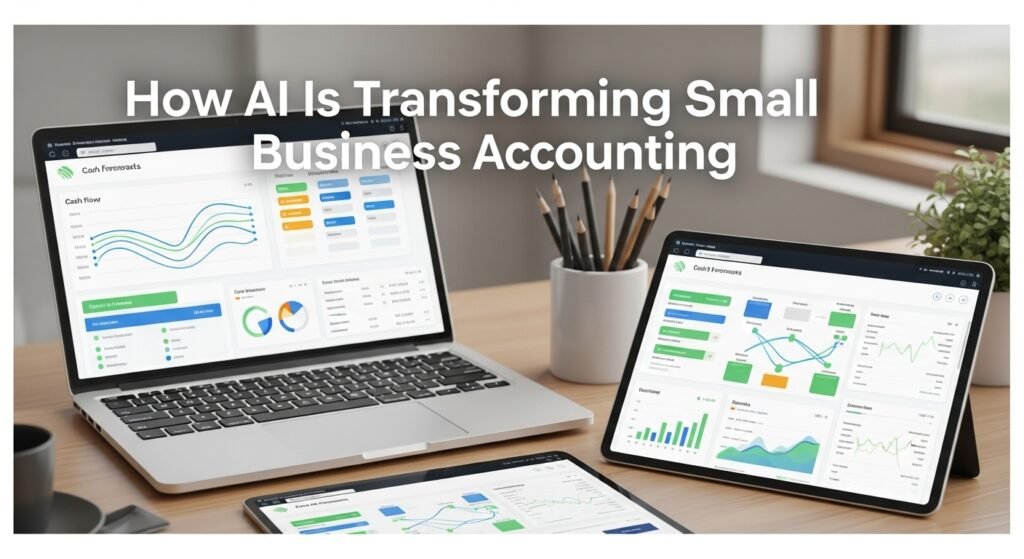
Wave and Zoho Books have AI features that categorize expenses automatically, flag unusual spending patterns, and even predict cash flow issues. For a small business owner, knowing three months ahead that you might have a cash flow crunch is game-changing.
I’m particularly impressed with how these tools have improved over the past couple of years. The expense categorization is remarkably accurate now, which saves hours of manual bookkeeping.
The Honest Limitations
I need to be clear about what these tools can’t do. AI is fantastic at pattern recognition and automation, but it’s not great at nuance, brand voice consistency without heavy customization, or genuinely novel ideas.
Content generated by AI often feels generic. You can train it better with specific examples and guidelines, but that requires actual work. Similarly, AI recommendations are only as good as your data. If you’re a brand-new business with no historical data, these predictive tools are less helpful.
There’s also the security and privacy question. You need to understand what data you’re feeding these tools and whether it’s appropriate. Customer information and proprietary business details shouldn’t necessarily go into a cloud-based AI service without careful consideration.
What Actually Moves the Needle
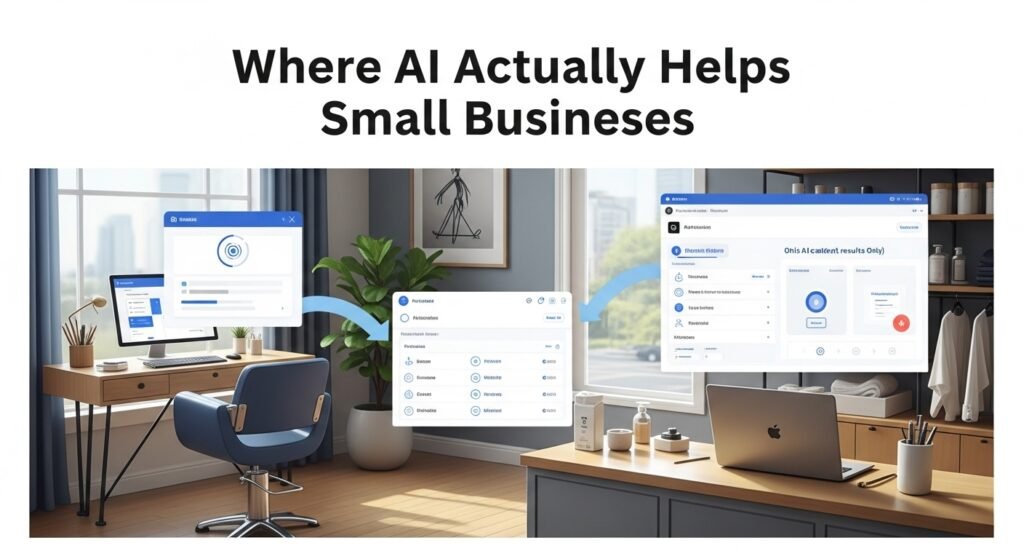
After seeing which AI implementations actually move the needle for small businesses, the pattern is clear: the most successful deployments focus on removing friction and creating time, not replacing human decision-making.
A salon owner who implements AI scheduling reduces no-shows by 20% and saves three hours a week. That’s a win. An e-commerce business that uses AI for personalized product recommendations increases average order value. That’s measurable.
The businesses that struggle with AI are typically those trying to automate something that shouldn’t be automated, like having AI write emails in your voice when those emails really need personal authenticity.
Getting Started Without Overcomplicating It
My advice to small business owners is always start with one concrete problem. Don’t try to implement AI across your organization. Instead, identify the single most time-consuming, repetitive task that’s keeping you from doing higher-value work. Then find the right tool for that specific problem.
If you’re spending 10 hours a week on customer service emails, a chatbot is a no-brainer. If you’re struggling to write copy, start with a content tool. If your data is a mess, invest in analytics.
Most of these tools have free trials or free tiers. Use them. Really use them with your actual business workflows, not just the tutorial examples. You’ll quickly figure out whether the tool actually fits your business or not.
FAQs
Q: Will AI tools put my employees out of work?
A: Not if you use them right. AI tools eliminate tedious, repetitive work, which almost nobody actually enjoys. Smart businesses use this freed-up time to have their team focus on customer relationships, strategy, and creative work that actually requires human judgment.
Q: Which AI tool should I start with?
A: Start with your biggest pain point. Is it customer support delays? Email marketing? Data analysis? Choose the specific problem first, then find the tool. Starting with a general-purpose tool rarely works well for small businesses.
Q: How much should I expect to spend?
A: Honestly? You can start meaningfully with $100-200 per month across a few tools. Some are free or freemium. Avoid expensive enterprise solutions until you’re genuinely large enough to need them.
Q: Is my data safe with AI tools?
A: This varies significantly by tool and provider. Read privacy policies carefully, especially with customer data. Consider which information actually needs to go into these systems.
Q: Do I need technical skills to implement these tools?
A: Most modern AI business tools are designed for non-technical users. If you can use Google Docs and email, you can use these tools.



Post Comment