Chat With PDF Using AI Tools
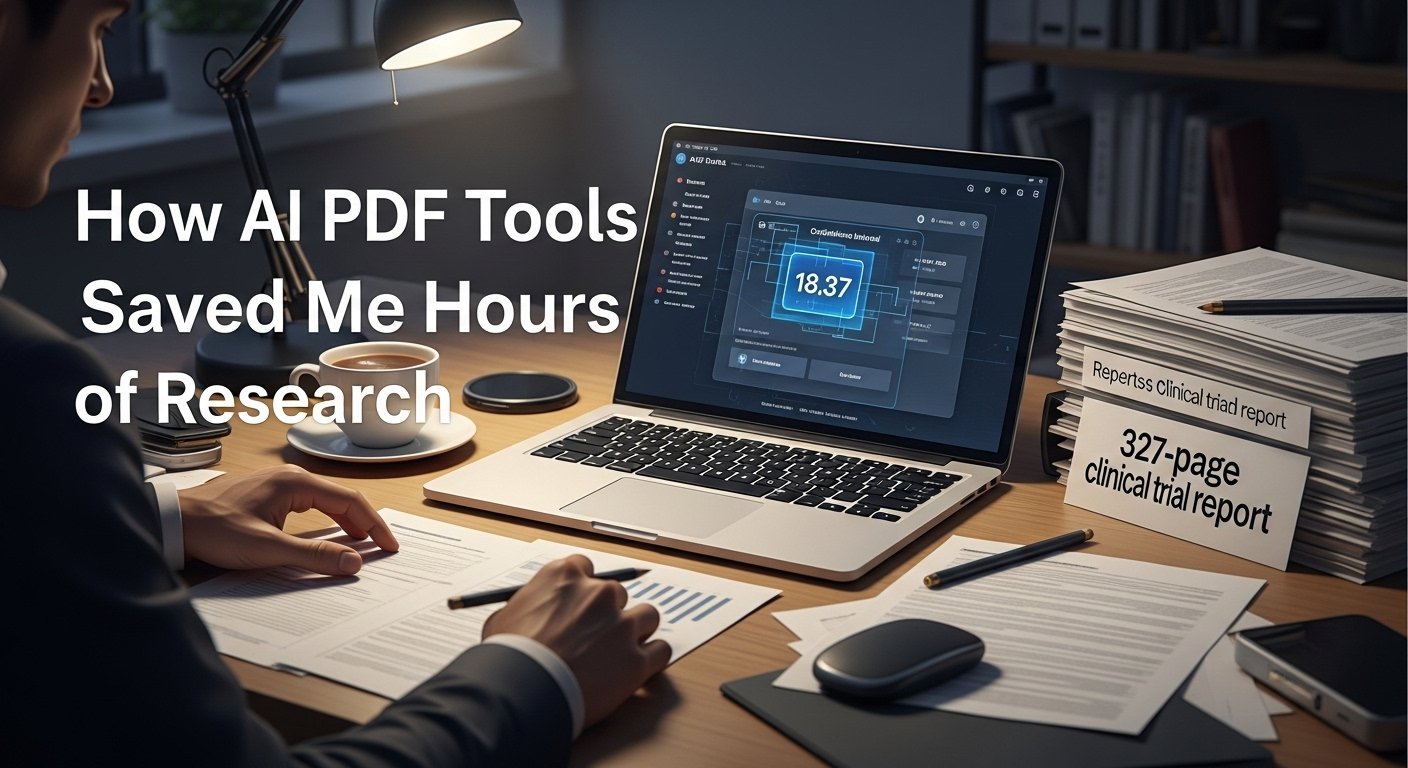
Last spring, I spent three straight days skimming a 327-page FDA clinical trial report for a pharma client. I was tasked with finding the 95% confidence interval for the drug’s primary efficacy endpoint, and after Ctrl+F-ing every variation of confidence interval and scrolling through 17 pages of statistical appendices, I still couldn’t find the exact number. I was exhausted, behind on my deadline, and ready to admit defeat. That’s when a colleague sent me a link to a chat with a PDF tool, and everything changed.
I uploaded the report, typed in a simple question: What is the 95% confidence interval for the primary efficacy endpoint of the trial? Thirty seconds later, it pulled the exact value from a buried footnote in Appendix C, along with a clear explanation of what it meant. I finished the client report that afternoon, and I’ve been using these tools daily ever since.
After 18 months of testing over a dozen platforms across academic research, client consulting, legal contract review, and personal projects, I’ve learned exactly where these tools excel, where they fall short, and how to use them to save hours of tedious work without sacrificing accuracy.
What Chat With PDF Actually Does (And Why It’s Better Than Ctrl+F)
For years, the only way to extract specific information from a PDF was to skim, use Ctrl+F, or manually transcribe data from tables. These methods are slow, error-prone, and miss nuanced connections between different sections of a document.
A chat with the PDF tool analyzes the full context of a document, not just individual keywords. It can connect data from a table in page 120 to a conclusion in page 300, answer comparative questions across multiple sections, and explain technical jargon in plain language.
For example, last quarter I worked with a startup that had 12 years of archived investor reports. Instead of spending 8 hours compiling burn rate data across each year, I uploaded all 12 PDFs, asked “What was the average annual burn rate between 2020 and 2023?” and got a precise, sourced answer in two minutes. That saved the client over $1,200 in billable hours.
Real-World Use Cases That Deliver Actual Value
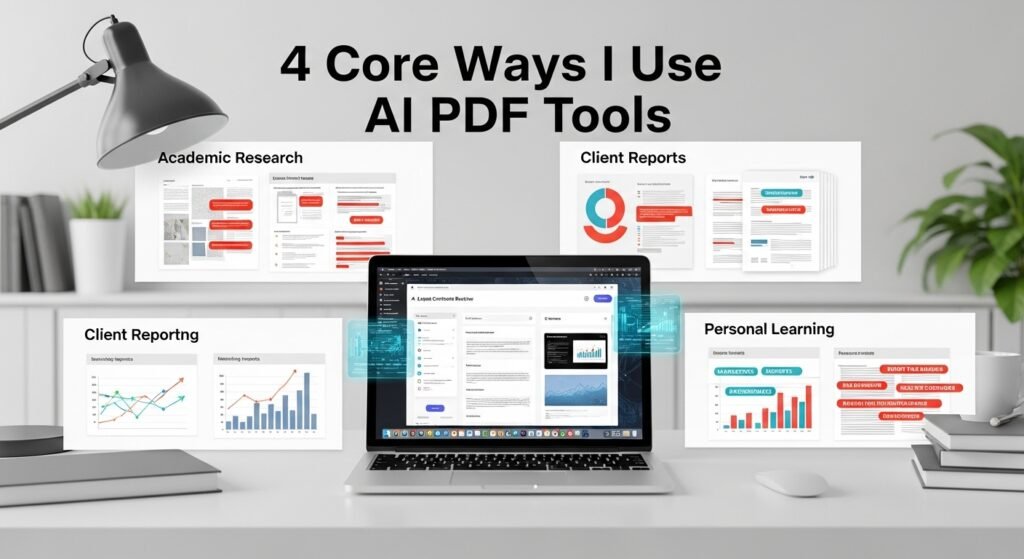
I’ve used these tools for four core purposes, with consistent, reliable results:
- Academic Research: When writing my master’s thesis on renewable energy policy, I uploaded 18 peer-reviewed papers and asked, Compare the projected job growth estimates across all studies. The tool generated a side-by-side breakdown of each study’s findings, saving me 12 hours of manual synthesis.
- Legal Contract Review: I’ve used it to pull out early termination clauses, liability limits, and payment terms from 60-page commercial leases in seconds. I still read the full contract for high-stakes work, but the tool tells me exactly where to focus my attention.
- Client Reporting: For marketing clients, I upload quarterly performance reports and ask, What were the top three drivers of increased conversion rates in Q2? The tool pulls out specific campaign data and contextualizes it with prior quarters.
- Personal Learning: I’ve used it to break down 200-page business books into key takeaways, asking “What are the five core principles outlined in this book?” to avoid spending hours reading dense prose.
Critical Limitations You Need to Know
These tools are not perfect, and I’ve made my share of mistakes by trusting them blindly:
- Footnote Blind Spots: Early last year, I relied on a tool’s answer about exclusion criteria in a clinical trial, only to find out it had missed a critical footnote that narrowed the criteria significantly. Now I always cross-check high-stakes answers against the original document.
- Formatting Issues: Scanned PDFs, documents with complex column layouts, or poorly tagged tables can confuse the tool, leading to incomplete or incorrect answers. I always use OCR tools first to clean up scanned documents before uploading.
- Context Drift: If you ask overly broad questions, the tool may pull information out of context. For example, asking “What is the budget for this project?” may return a budget from a prior year if you don’t specify the time frame.
Privacy and Ethical Best Practices
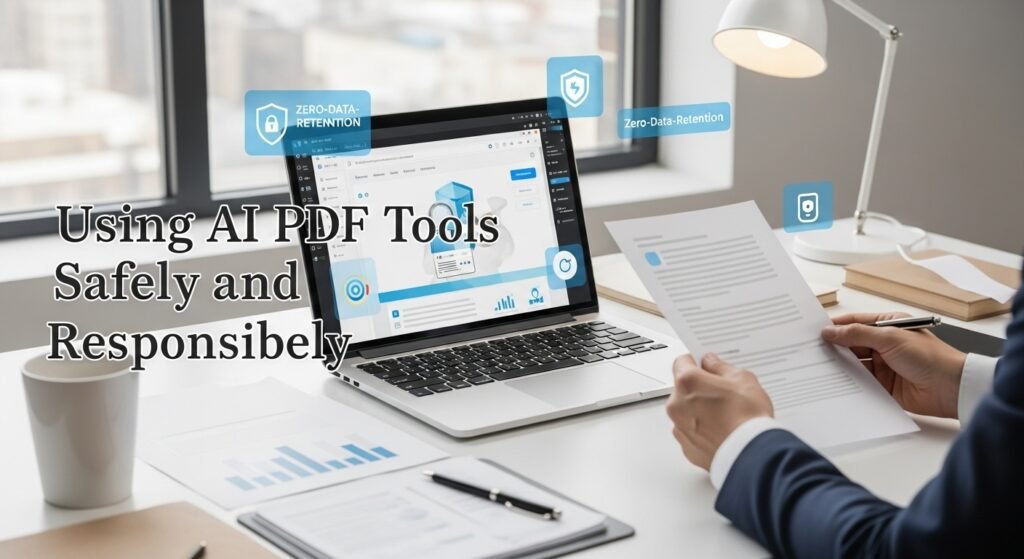
This is non-negotiable. Last summer, a client uploaded a confidential merger document to a free chat with a PDF tool, only to later discover the tool was training its model on user-uploaded documents. For sensitive work, I only use enterprise-grade tools with zero-data-retention policies, which delete your document immediately after your session ends.
I also never use these tools to replace critical analysis. They are a research accelerator, not a replacement for reading and evaluating a document yourself. For regulatory filings, legal contracts, or medical research, I always verify every key finding manually. The best chat with PDF tools don’t replace your critical thinking; they give you more time to use it.
My Go-To Workflow for Best Results
After months of trial and error, I’ve developed a simple, reliable workflow:
- Clean the Document: For scanned PDFs, run them through an OCR tool to ensure text is readable.
- Start Broad: First, ask, What is the core purpose and conclusion of this document? to get a high-level overview.
- Narrow Down: Move to specific, targeted questions to extract exact data or details.
- Verify: Cross-check any high-stakes answers against the original document.
- Synthesize: Combine the tool’s answers with your own analysis to create a final report or summary.
FAQs
- Can I chat with multiple PDFs at once?
Yes, top-tier tools let you upload 10+ documents and ask cross-referencing questions across all of them. - Will it work with non-English PDFs?
Most modern tools support over 50 languages, but accuracy may vary for less common languages. - Is it safe to upload confidential documents?
Only use tools with zero-data-retention policies. Avoid free tiers for sensitive work. - Can it extract data from tables?
Yes, most tools can parse tables and answer numerical questions about the data. - How accurate are these tools?
For most use cases, accuracy is 85-95%. Always verify critical information against the original document.

Post Comment